
Invert Flash Cinematic Transitions for Premiere Pro
 By
aaapresets
By
aaapresets
Download links
 View demo
Description
Invert Flash Transitions for Premiere Pro (4K & Full HD, 12 Sequence Transitions + SFX)
Create fast, high-impact edits with Invert Flash Transitions for Premiere Pro. This transition pack includes 12 sequence transitions with matching sound effects (SFX), available in 4K and Full HD. Designed for editors who want bold flash-style cuts without complicated setup, these transitions help add energy, contrast, and motion to music videos, trailers, sports edits, fashion content, and social media videos.
What Makes These Invert Flash Transitions Stand Out
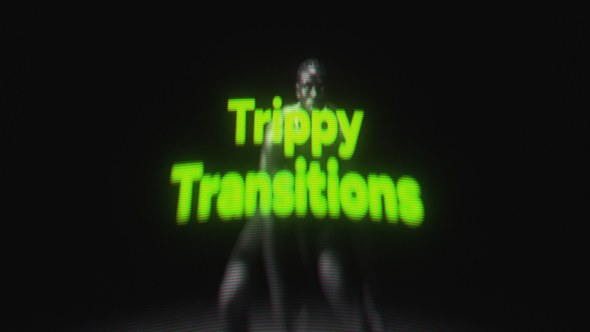
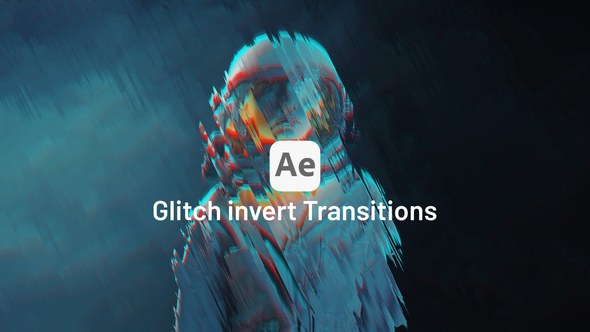
The Invert Flash effect creates a sharp visual burst between clips, giving your edits a modern and cinematic feel. These transitions are useful for beat drops, intense scene changes, fast montages, action moments, and stylish promo videos. With included SFX, each transition feels more dynamic and polished right on the timeline.
Key Features
- 12 Invert Flash sequence transitions for Adobe Premiere Pro
- Includes matching SFX for added impact
- Available in 4K and Full HD
- Built for fast, energetic, cinematic editing
- Simple drag-and-drop workflow
- No third-party plugins required
Best For
- Music videos and beat-synced edits
- YouTube videos, promos, and trailers
- Sports, gym, and action highlights
- Fashion edits and cinematic reels
- Fast montage sequences and creative social media content
What You Get
- 12 Invert Flash sequence transitions
- Included sound effects (SFX)
- 4K version
- Full HD version
- Organized files for a faster editing workflow
Compatibility
- Software: Adobe Premiere Pro
- Resolution: 4K and Full HD
- Transition type: Sequence transitions
- No extra plugins needed
How to Use
- Open your project in Adobe Premiere Pro.
- Place your clips on the timeline.
- Drag an Invert Flash sequence transition between your cuts.
- Add the included SFX to match the transition hit.
- Adjust timing to fit your music or scene pacing, then export.
Why Editors Choose This Pack
- Fast way to add bold flash transitions without manual keyframing
- Includes SFX for a stronger final result
- Works well for both beginner and professional editors
- Available in two popular editing resolutions: 4K and FHD
FAQ – Invert Flash Transitions for Premiere Pro
How many transitions are included?
This pack includes 12 Invert Flash sequence transitions.
Does this pack include sound effects?
Yes. Matching SFX are included with the transitions.
What resolutions are included?
This product is available in 4K and Full HD only.
Do I need any plugins?
No. These transitions work directly in Adobe Premiere Pro without third-party plugins.
Add bold, modern flash energy to your edits with Invert Flash Transitions for Premiere Pro (12 Sequence Transitions + SFX, 4K & Full HD).
.jpg?w=300&h=169&cf_fit=cover&q=94&format=jpeg&s=0894798d16e8feb03405f805b86962fc1c1b8409672c586a2a9bd7af4c77cbbe)

















Comments
Sign in to join the conversation.
No comments yet. Be the first to share your thoughts.