
Videohive Map Route Generator
 By
marcobelli
By
marcobelli
 View demo
Description
Videohive Map Route Generator
Important Notes:
Map Route Generator is a template and script for After Effects only. It is not a standalone software. Please do not purchase it if you do not have Adobe After Effects.
Features
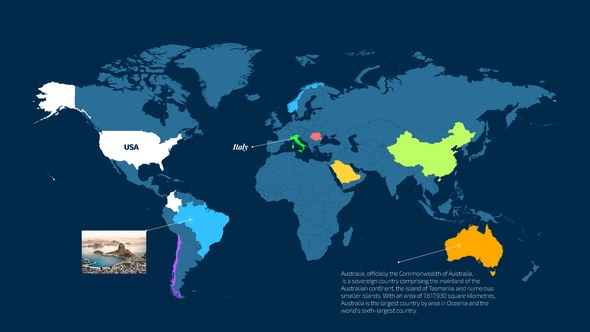
- Easy Workflow: Import your map, use the script to add locators, and place them in the correct position. Select all locators and press the "create path" button.
- Auto Animation Options:
- Follow Path: The camera follows the path creation, keeping the altitude and distance set with the slider controls.
- Rotate Around Tracker: Similar to the follow path, but the camera also rotates around the tracker.
- Free Camera: The script calculates the position of your points and creates a free camera movement. If you're not satisfied, press the "Random Seed" button for a new camera animation.
- Customization Options: Set the tracker style, enable or disable the depth of field, switch your path from solid to dashes, set the path thickness and color, add or remove the shadow below the path and tracker, and set the shadow distance from the ground. Replace locator points with pins and connect your info tabs or call-outs directly on your placed points.
- Custom Pins and Trackers: Import your custom pins and trackers, and select them from the script. All available pins, trackers, and info tabs are fully customizable, with each element having its own color control panel.
- 3D Support: Use your 3D tracker model with the script. Requires "Videocopilot Element 3D" Plugin (www.videocopilot.net).
- Project Settings: UltraHD 3840x2160 and FullHD 1920x1080 resolution, compatible with all versions of After Effects from CS5 to CC, and compatible with Mac and PC. No plugins required, expressions universalized, user-friendly, fast to customize, video tutorial included, and free support.
- Additional Features: Add unlimited points, automatic camera animation, stop on selected point function, 20 text styles, 6 tracker styles, 10 pins + 1 custom pin, three 4K pre-rendered intro scenes, automatic path creation, 4K and Full HD version, and real-time animation updates.
Updates
- 11.11.2018: Fixed bugs on purchase code verification, custom tracker, and minor bugs.
- 01.14.2019: Added FULL HD version.
- 03.24.2019: Fixed bugs on "Stop on Point" function and issues with renamed points.
- 04.10.2019: Fixed bugs on V16.1 of After Effects and minor bugs.
- 08.11.2020: Added support for Element3D plugin, redesigned script window interface, made it dockable, added new color picker window, made path creation more flexible, added "Align Info Tabs/Pins Starting Time" button, fixed bugs related to the "Stop on Point" function, implemented new authentication system, and added new video tutorial.
Related Products
Do you prefer to work on Premiere?
Check out the Premiere Pro version of Map Route Generator: Map Route Generator for Premiere Pro
Do you need to use more than 1 tracker?
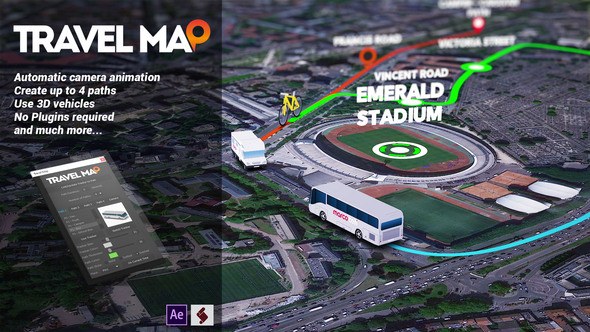
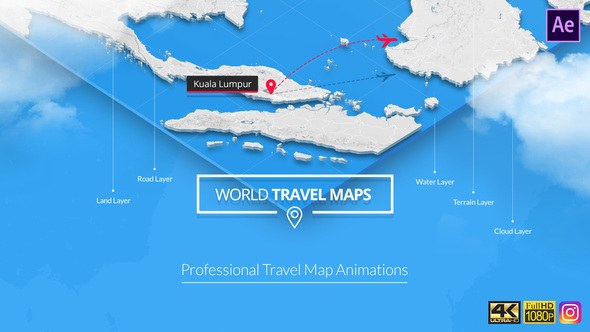
Check out the new "Travel Map" project: Travel Map
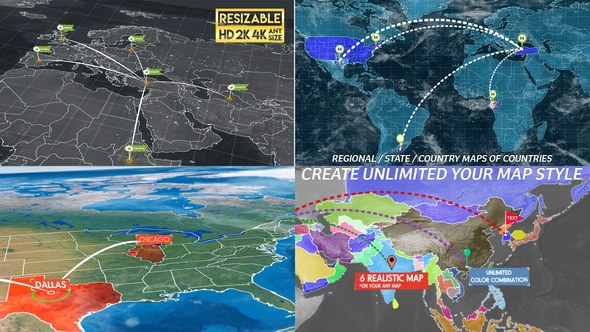
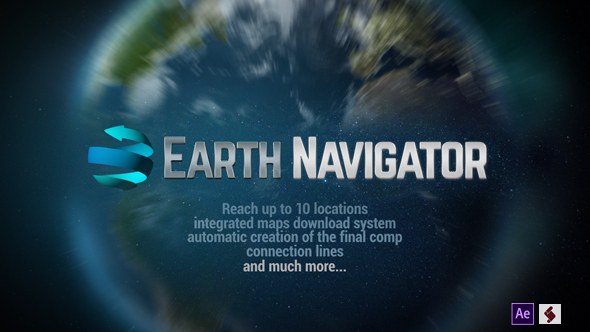
Check out 3D Earth Connections
3D Earth Connections
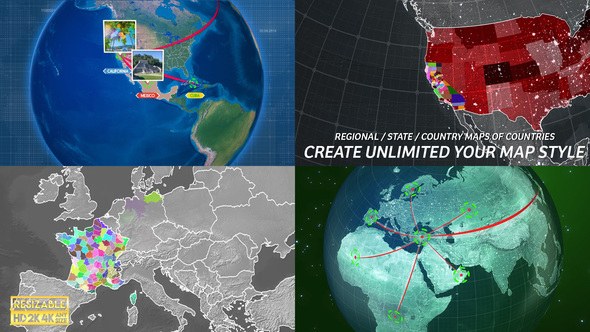
Checkout the new "3D Earth Route"
3D Earth Route














Comments
Sign in to join the conversation.
No comments yet. Be the first to share your thoughts.