
Videohive Event Promo Constructor
 By
ArtistTm
By
ArtistTm
 View demo
Description
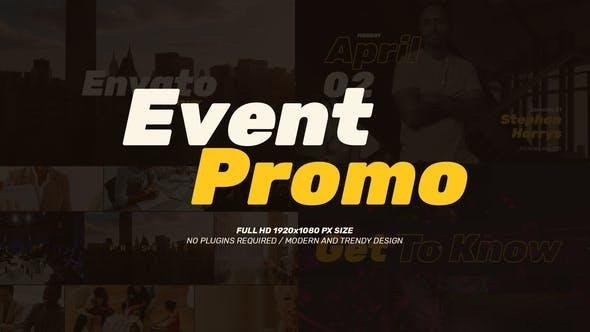
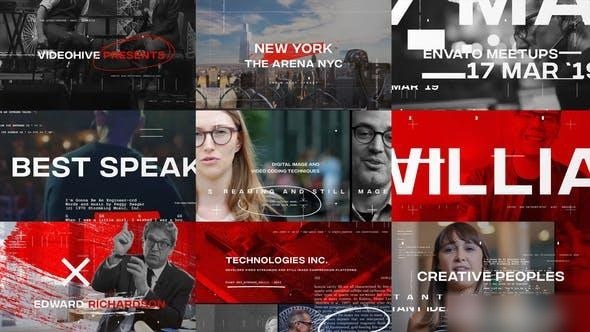
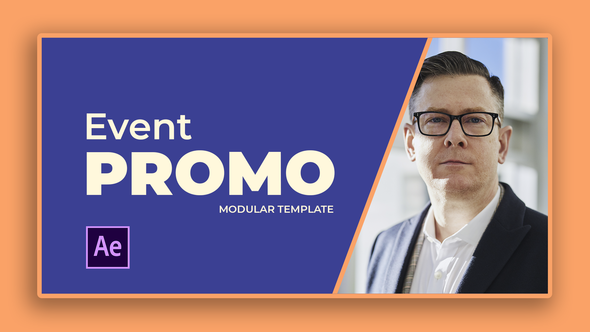
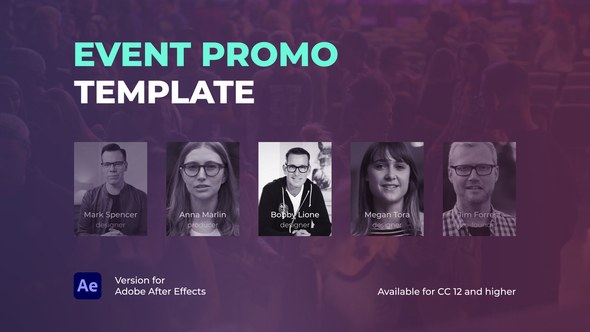
Event Promo Constructor – Modular Event Kit
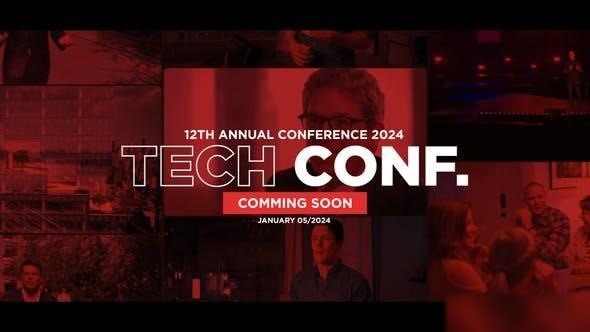
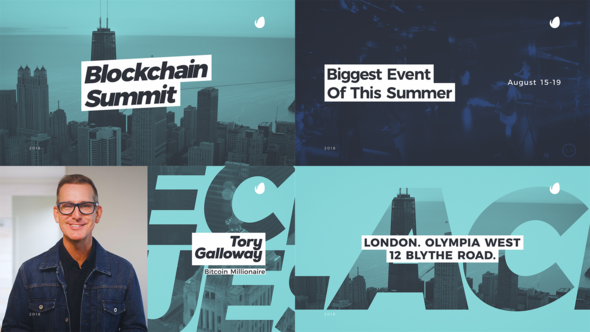
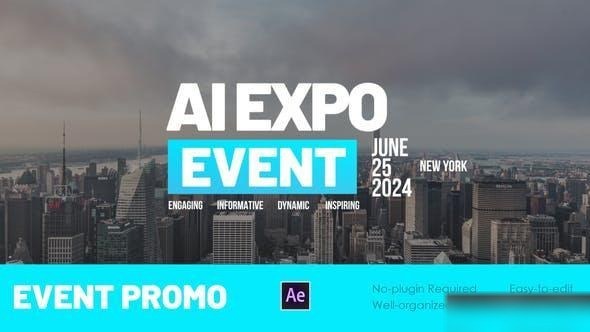
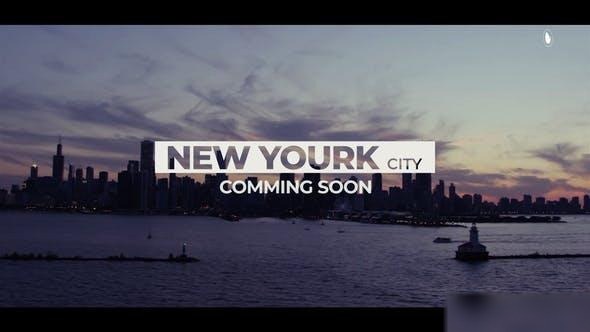
Create dynamic and modern event promotions, conference openers, and tech summit announcements with our fully modular toolkit. Assemble a unique video sequence in minutes, perfectly suited for your brand's style.
Launch Your Next Project with This Unique and Stylish Template
✨ KEY FEATURES
- Fully Modular Structure: Select and arrange elements to build your promo sequence.
- One-Click Color Control: Easily adjust the entire color theme using a single 'CONTROL' panel. Alternatively, disable global settings to customize colors per scene.
- Perfect Match: Ideal for innovative conferences, modern corporate events, technology expos, and summit promos.
- No Plugins Required: 100% After Effects Native.
- Universal Expressions: Works in any language version of After Effects.
- Fast Render Time: Highly optimized for quick results.
- Full HD Resolution: 1920×1080. Smooth 60FPS.
- Well-Organized Project: Easy-to-navigate files for smooth workflow.
BONUS ELEMENTS INCLUDED
- Stage Slideshow: Ready-to-use compositions for background visuals or screen displays.
- Next Up / Guest ID: Templates for introducing the next speaker or performance.
- Topic Callouts: Dynamic lower-thirds or full-screen graphics for highlighting the next topic.
- Countdown Timer: Pre-built timers for breaks or presentation start.
HOW TO ASSEMBLE YOUR VIDEO (2 Easy Methods)
Method 1: Quick Start (Using the Pre-Assembled Sequence)
- Open the Main Edit composition.
- Open Highlighted Sub compositions to insert your media (photos/videos) and change text.
- Render the final video.
Method 2: Custom Build (Using the Constructor)
- Open the Constructor composition.
- Select and drag the desired scene compositions from the project panel into the Constructor timeline.
- Arrange the sequence to match your desired flow and duration.
- Customize the content and colors.
- Render the final video.
⚙️ COLOR CONTROL
- Easily change the entire color theme (text, backgrounds, accents) with one click via the global control layer.
- Toggle the switch to disable global control and enable color customization for each scene individually.
DETAILED TUTORIAL
- Detailed Video Tutorial Included: Step-by-step instructions covering project structure, customization, color control, and how to use the constructor.
- Scene Customization Guides: Dedicated tutorials for customizing each unique scene and utilizing the bonus elements.
Available exclusively on VideoHive.
MUSIC & FONT
The music and font used in the preview are not included, but a link is provided in the help file.













Comments
Sign in to join the conversation.
No comments yet. Be the first to share your thoughts.