
Videohive AI Generative Camera Light Transitions | Vertical | After Effects
 By
whiterecord
By
whiterecord
 View demo
Description
What’s inside:
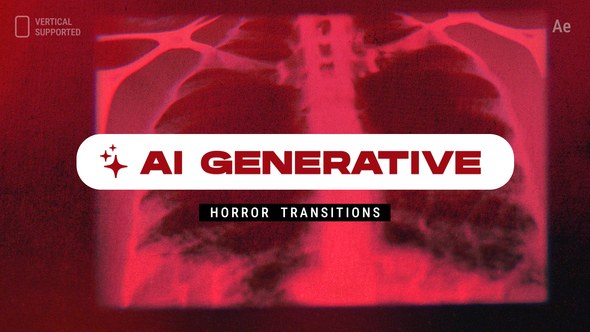
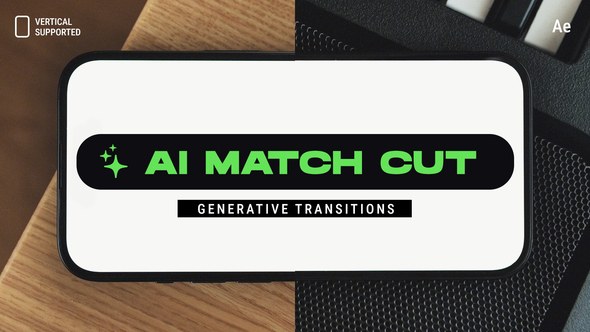
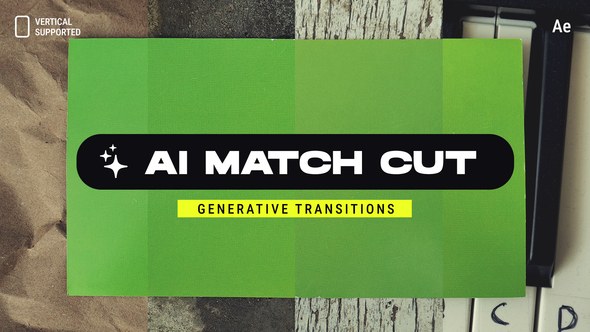
- 30 pre-made 4K Horizontal transitions
- 30 pre-made Vertical transitions
- ZXP file to install the “whiterecord Extension”
- Video Tutorial
How it works?
- Import transition pack into your project
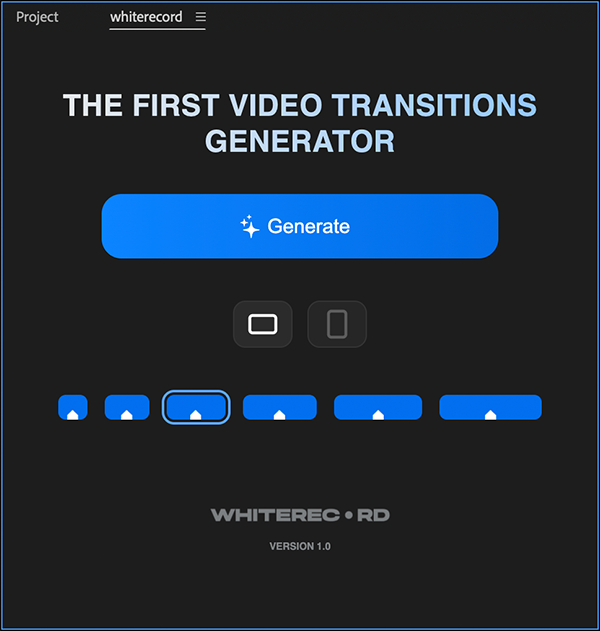
- Run the whiterecord extension
- Choose Horizontal or Vertical mode
- Click Generate → get a unique transition

Why editors love it?
- Different every time — one click, a new look
- Works with any resolution & frame rate (HD, 4K, Reels, Stories…)
- Quick setup. Easy to Use.
Compatibility
- Adobe After Effects CC 2023 or newer (Mac/Win)
- whiterecord Extension – Check Updates
If you need help, just message the author — [email protected]












Comments
Sign in to join the conversation.
No comments yet. Be the first to share your thoughts.