
Subtitles & Captions

Download links
 View demo
Description
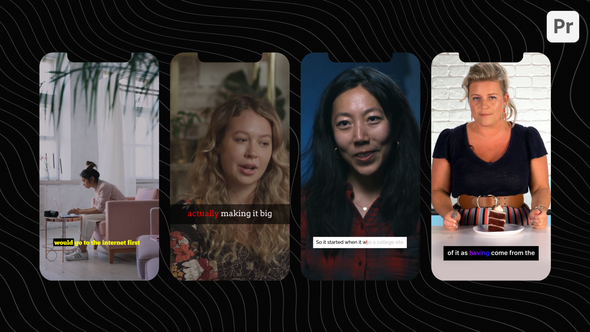
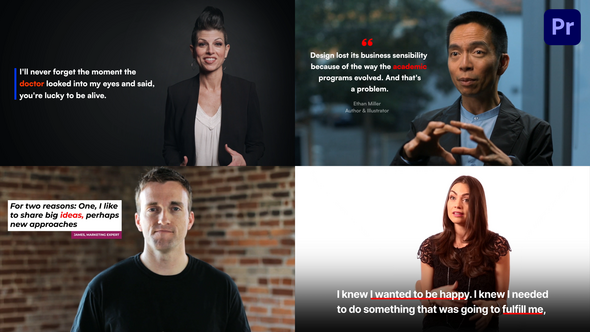
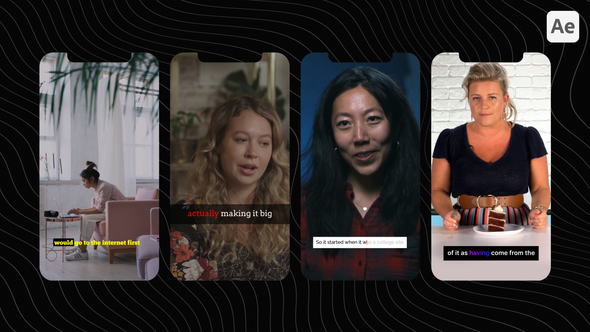
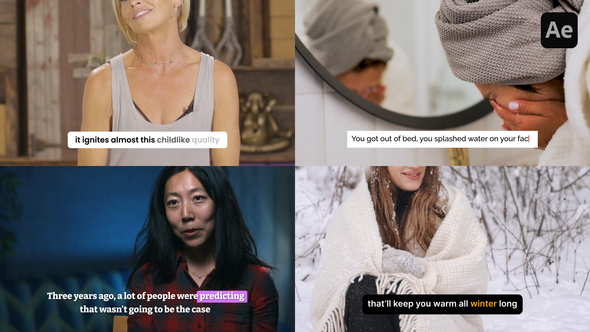
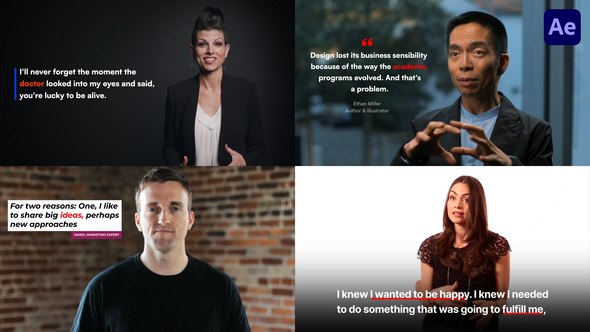
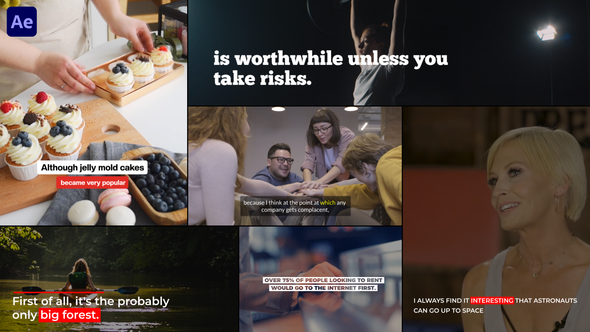
Subtitles & Captions for Premiere Pro
This pack includes an Easy-to-Use Template, Help Document, and Step-by-Step Video Tutorial for seamless integration.
Main Features
- Easy Duration Control
Easily synchronize subtitles with video speech using intuitive duration control in just a few clicks.
- Highlight Text
Effortlessly emphasize text within each subtitle using Easy Highlight Controls. Also you can create keyframes for dynamic animation of the emphasized words within the subtitles.
- Autoresizing Text Box
Text boxes dynamically resize according to text length, ensuring a clean and professional appearance.
- 8 Types of In Animation
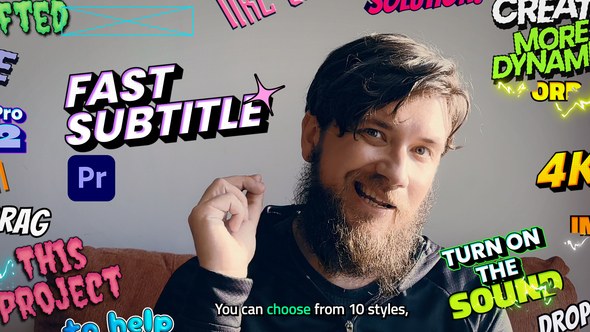
Choose from a selection of 8 text animations for each subtitle or opt for a seamless transition with no in animation.
- Easy Controls
Adjust text properties such as scale, position, color, and opacity without compromising design integrity, thanks to responsive text boxes. Customize box padding, roundness, color, and opacity effortlessly
- Transparent Overlays
Overlay Subtitles onto any project or render with a transparent background for compatibility with editing software like Premiere Pro, Final Cut, Resolve, etc.
- Compatibility
Compatible with Premiere Pro 2023 and all newer versions.
- 4K Resolution
This template comes in 4K resolution.
- Free Fonts Links Included
Fonts used in this template are free for personal and commercial use. Font Links are Included.
- Easy to Navigate
Stay in control with a well-organized and user-friendly template, allowing for smooth navigation.
- Comprehensive Guidance
Comes with a comprehensive Help Document and step-by-step Video Tutorial for simplified understanding and implementation.
Disclaimer:
This template is ideal for short videos and nice-looking subtitle animations, but it does not create subtitles automatically, so it may not be suitable for long videos. For those, consider using AI tools or script-based solutions.Screenshots


What’s Included?
- Premiere Pro MOGRTs
- PDF Help Document
- Step by Step Video Tutorial
- Free Font Links
- Lifetime Free Updates
- 24×7 Technical Support
Technical Support
For queries or template customization support, you can write to us via profile page contact form or e-mail. If you’ve purchased this template then please attach the invoice or purchase code in the email.
Credits
- Music: Minimalism
- Free Font Links included.
- You can find all video links here
- Note: Videos used in preview are not included. If needed, you can get them from the above links. All are properly licensed.
Thanks for visiting! 








Comments
Sign in to join the conversation.
No comments yet. Be the first to share your thoughts.