
Retro Vintage Effect
 By
GrussGott
By
GrussGott
 View demo
Description
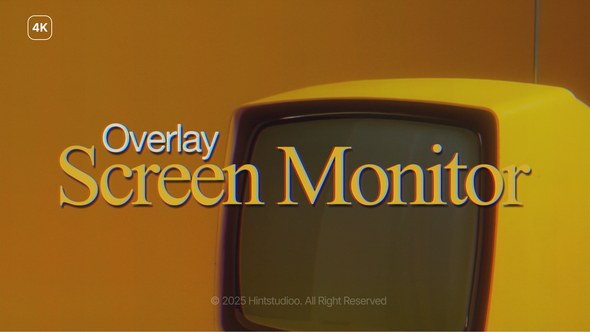
Vintage Overlay – Film Aging Effect for Premiere Pro
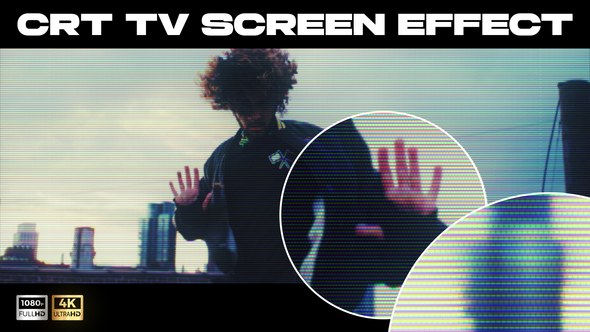
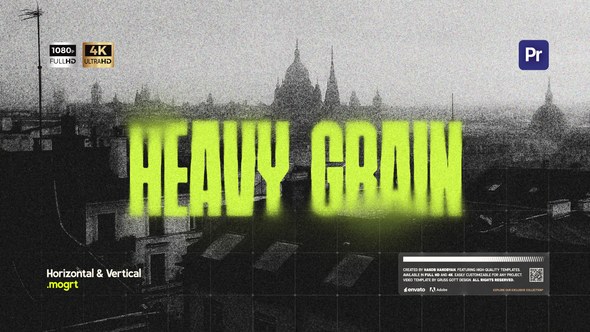
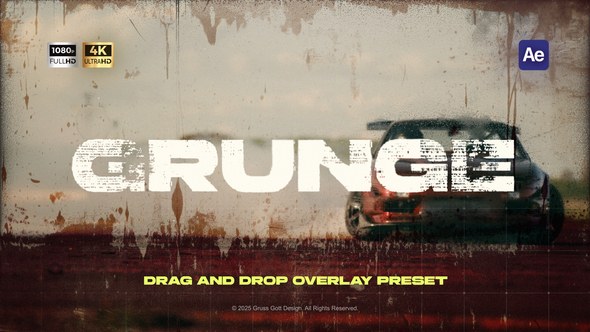
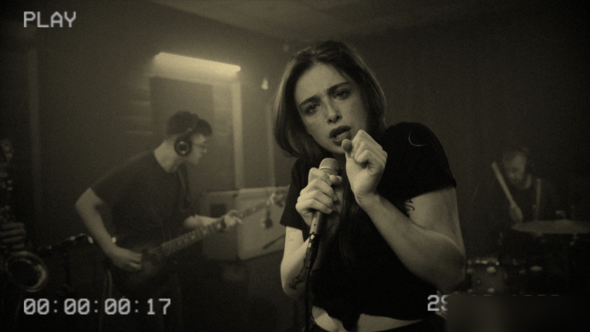
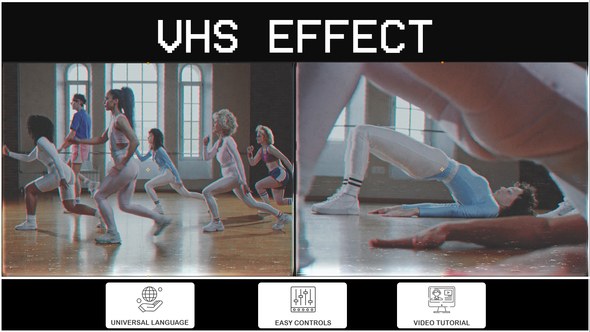
Vintage Overlay is a cinematic overlay pack consisting of four templates for Adobe Premiere Pro 2024 and above. It adds authentic film aging characteristics to your footage — including soft grain, faded color, and retro texture overlays. This effect is ideal for projects that aim for a nostalgic, analog feel such as music videos, documentaries, reels, or creative edits.
The pack includes four format-specific versions: 4K (3840×2160), Full HD (1920×1080), square (1080×1080), and vertical (1080×1920). All settings — including intensity, contrast, and color fade — are adjustable via the Essential Graphics panel. The overlay is easy to apply and does not require any plugins.
- 4 overlay templates included: 4K, Full HD, square, and vertical
- Customizable settings: grain, fade, contrast via Essential Graphics
- No plugins required
- Compatible with Adobe Premiere Pro 2024+
- Includes video tutorial, PDF guide, and help file
For questions or support, please contact me via my VideoHive profile.












Comments
Sign in to join the conversation.
No comments yet. Be the first to share your thoughts.