
Film Transitions for Premiere Pro
 By
RoyalPixels
By
RoyalPixels
Download links
 View demo
Description
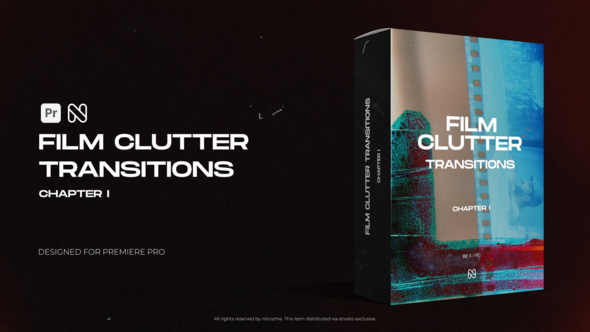
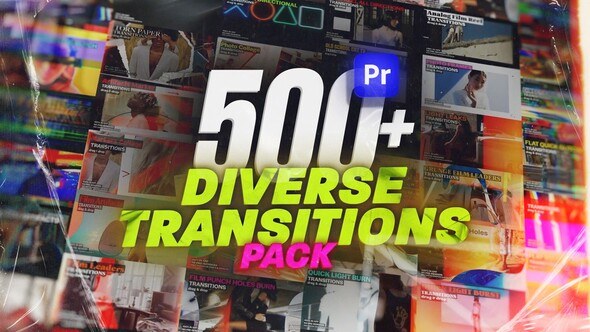
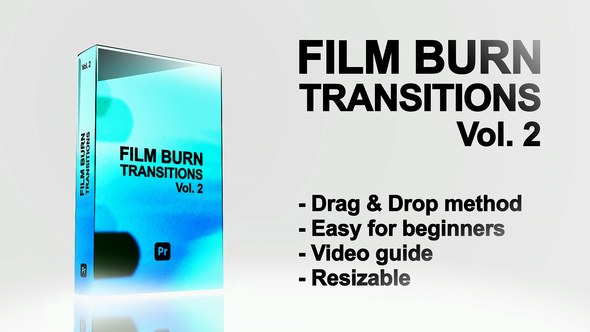
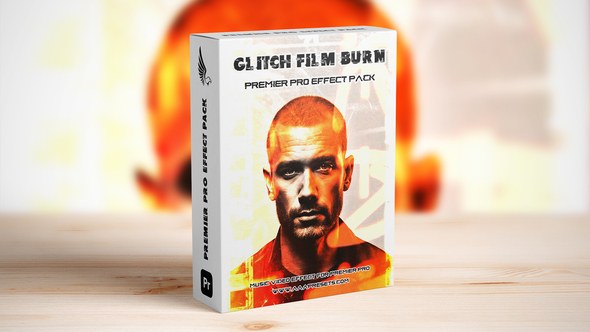
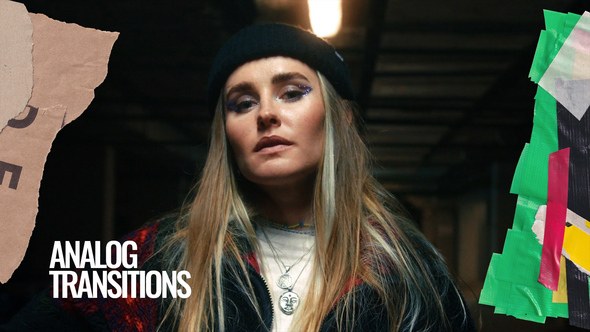
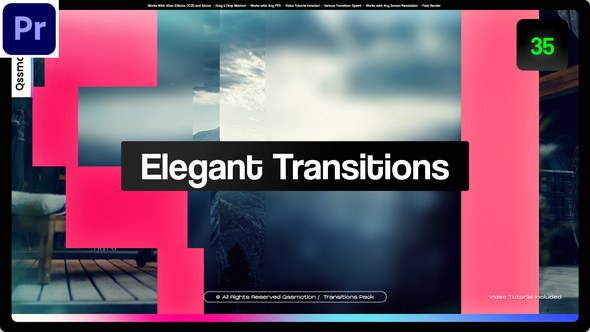
Introducing 160 Film Transitions for Premiere Pro
Step up your editing game and easily make the cut between your shots fascinating! With this pack, you’ll be able to quickly make your videos look professional and visually interesting, even if you’re a total beginner in Premiere Pro.The project comes with Color and Effects controllers. It gives you the ability to really customise the transitions between your shots. This will give you even more flexibility to achieve a unique look that is completely original and yours only.
|
|
MYFX v3.1.2 Extension
MYFX Extension helps you to browse and apply presets in one click! You can favorite presets and have your own hand-picked library. If you have any questions, you can watch the video tutorials right inside MYFX Extension and even visit the Help Center. Simply use the top menu to navigate through the pages.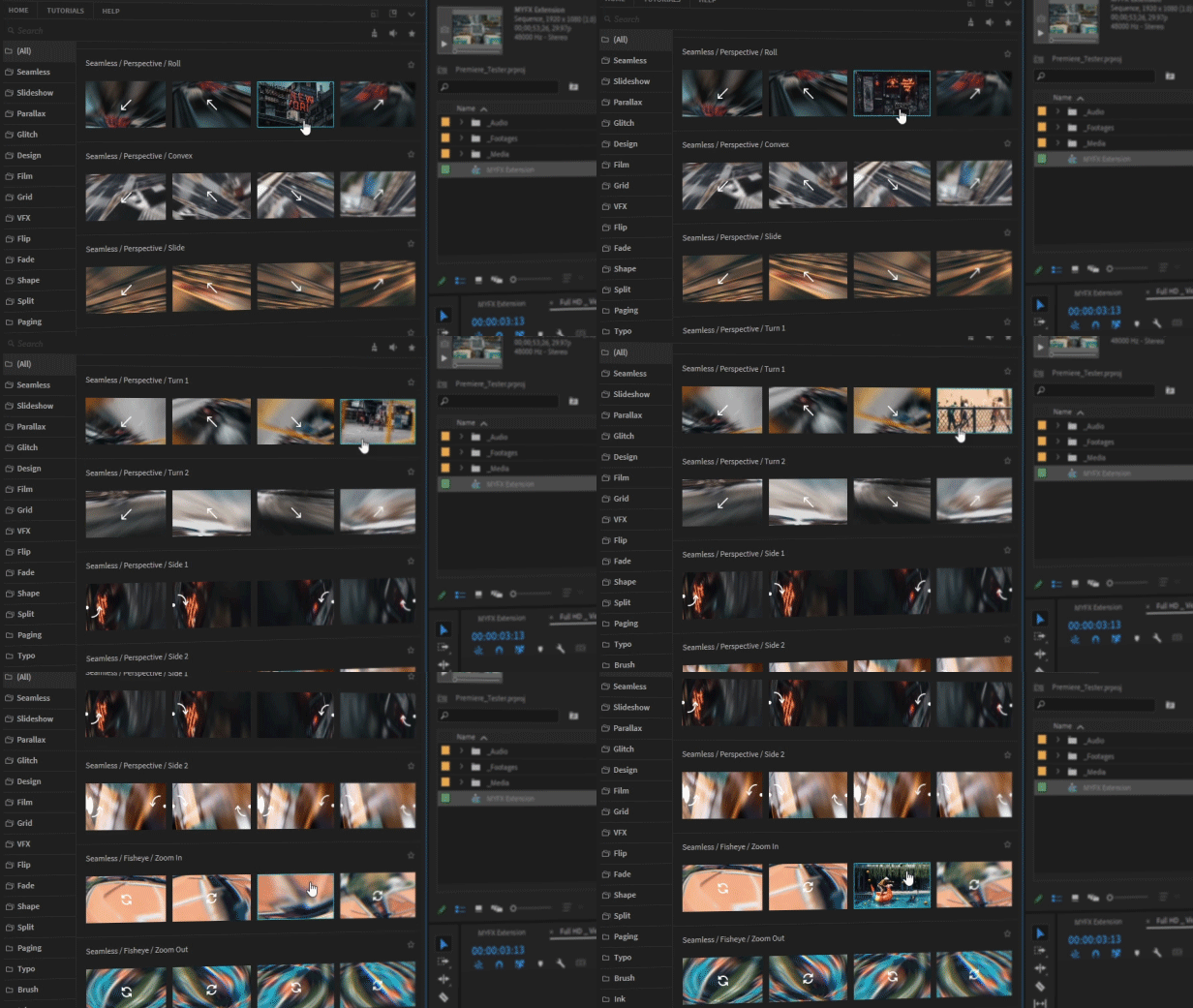
Preset Previews
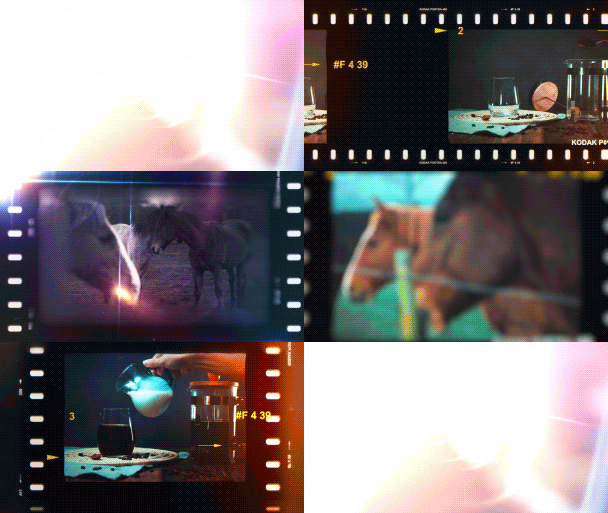
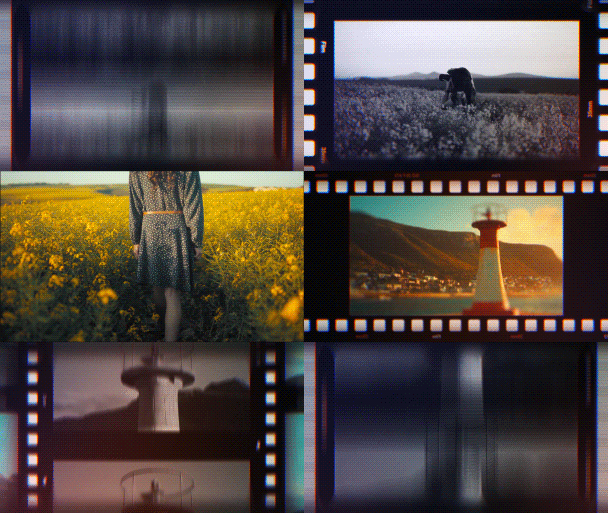
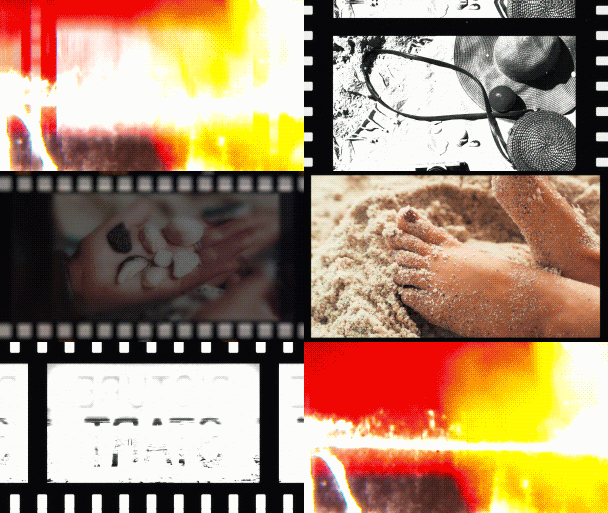
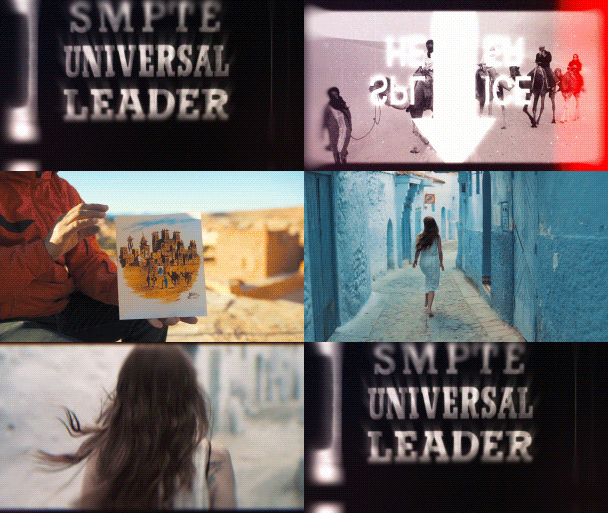
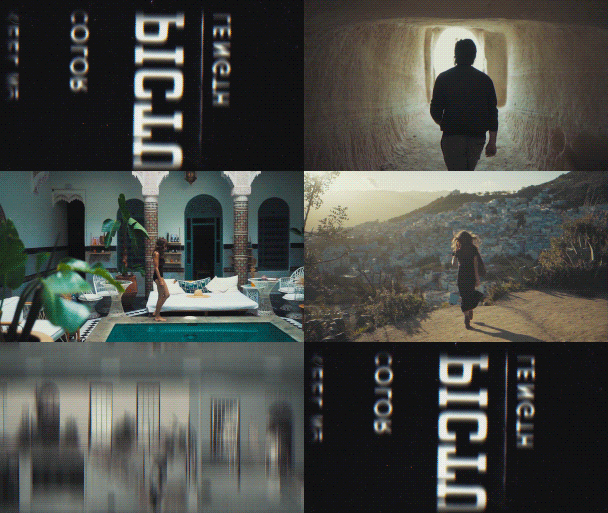
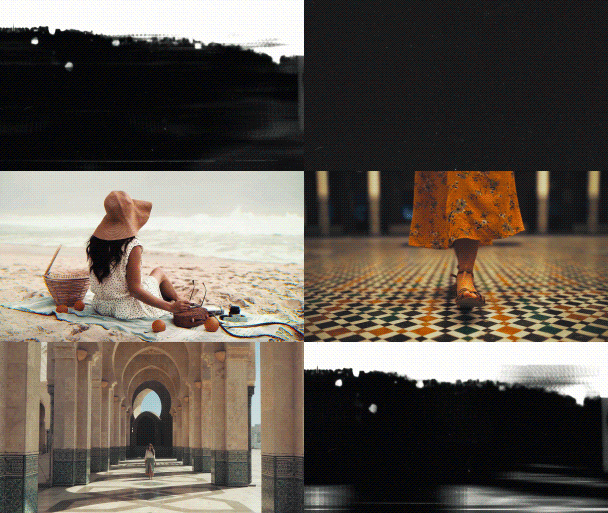
Automatically Selects Your Resolution
Film Transitions pack comes with built-in resolutions, which is automatically selected when you use a preset. At the moment project works with the 6 most common resolutions that are listed below. In the upcoming updates, we’ll be gradually adding more and more resolutions.
|
|
|
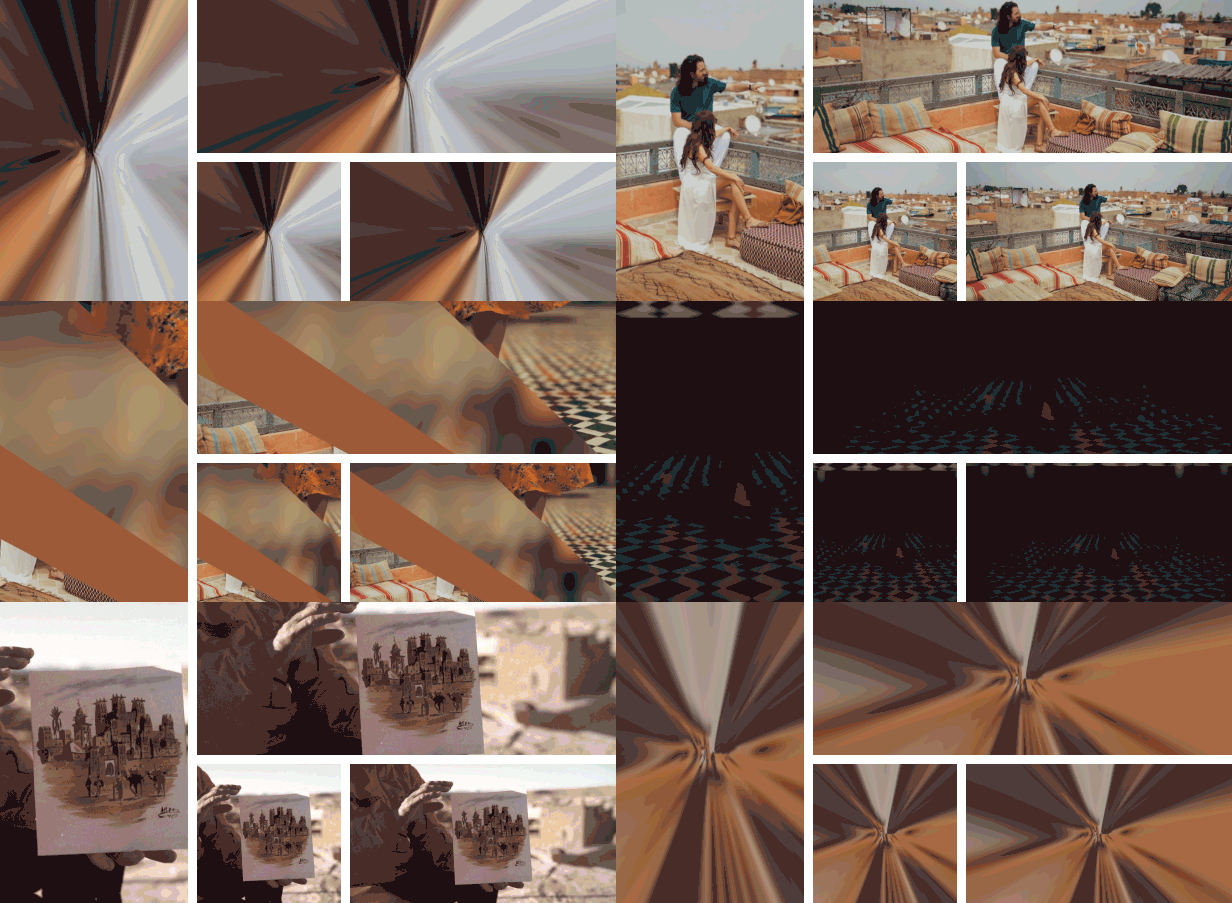
How does it work
Film Transitions pack was created for people with all skill levels. You will be able to easily use it even if you’re a total beginner in Premiere Pro. All the transition presets in the pack are MOGRT files, created inside After Effects using its native effects. This means that you’ll get all of those high-end-looking transitions with effects such as Optics, Lens, Glow, Distortion, Camera Blur, Tiling, Chromatic Aberration and so much more, right inside Premiere Pro!Features
|
Customer Support
Our customers are our top priority! Your feedback is very important to us and it helps us improve our product more. If you have any questions with using these transitions, just email us at [email protected]. We answer to all of your messages!
All the videos used in the Promo are from Pexels.com









Comments
Sign in to join the conversation.
No comments yet. Be the first to share your thoughts.