
Camera Click and Flash Transition Pack for Premiere Pro FHD
 By
aaapresets
By
aaapresets
 View demo
Description
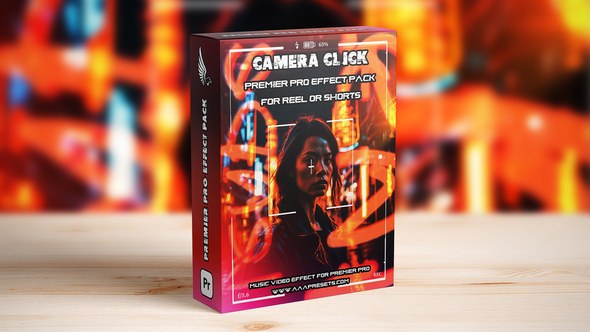
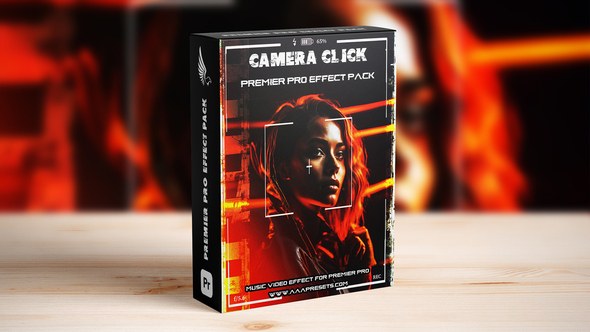
Camera Click and Flash Transition Pack for Premiere Pro (FHD Only, 15 Transitions)
Create fast, bold, and eye-catching edits with the Camera Click and Flash Transition Pack for Premiere Pro. This pack includes 15 transitions designed to add sharp camera click motion, bright flash effects, and strong visual impact between clips. Available in Full HD (FHD) only, this pack is ideal for editors, filmmakers, content creators, and video producers who want dynamic transition effects for music videos, reels, trailers, sports edits, fashion content, and cinematic social media videos.
Camera Click and Flash Style for FHD Video Editing
The Camera Click and Flash Transition Pack is made for creators who want fast shutter-inspired cuts combined with bright flash energy and cinematic movement. These transitions help add punch, rhythm, and visual impact to your edits, making them great for beat drops, action scenes, promo videos, montage edits, and short-form social media content.
Key Features
- 15 Camera Click and Flash transitions for Adobe Premiere Pro
- Available in Full HD (FHD) only
- Sharp camera click and flash-style transition effects
- Great for fast-paced, cinematic, and social media editing
- No third-party plugins required
Perfect For
- Music videos and beat-synced montage edits
- Instagram Reels, TikTok videos, and YouTube Shorts
- Sports highlights and action videos
- Fashion promos and cinematic social media content
- Trailers, street edits, and creative storytelling projects
What You Get
- 15 Camera Click and Flash transitions
- FHD version only
- Ready-to-use files for Adobe Premiere Pro
- Organized transition pack for a faster editing workflow
Compatibility
- Software: Adobe Premiere Pro
- Resolution: Full HD (FHD) only
- Transition type: Video transitions
- No extra plugins needed
How to Use the Camera Click and Flash Transitions
- Open your project in Adobe Premiere Pro.
- Place your video clips on the timeline.
- Drag one Camera Click and Flash Transition between your cuts.
- Adjust timing to match your music, motion, or scene change.
- Export your final video in Full HD.
Why Choose This Transition Pack?
- Fast way to create sharp camera click and flash transition effects
- Includes 15 transitions for more editing variety
- Built for smooth and efficient FHD editing workflows
- Simple workflow for both beginners and professional editors
FAQ – Camera Click and Flash Transition Pack for Premiere Pro
How many transitions are included?
This pack includes 15 transitions.
What resolution is included?
This version is available in Full HD (FHD) only.
What type of videos is this pack best for?
This pack works well for music videos, reels, shorts, trailers, sports edits, fashion promos, and other fast-paced creative projects.
Do I need any extra plugins?
No. These transitions work directly in Adobe Premiere Pro without third-party plugins.
Add sharp click motion, bright flash energy, and bold cinematic impact to your edits with the Camera Click and Flash Transition Pack for Premiere Pro (FHD Only, 15 Transitions).






Comments
Sign in to join the conversation.
No comments yet. Be the first to share your thoughts.