
Videohive PhotoStorm Animator
 By
Premiumilk
By
Premiumilk
 View demo
Description
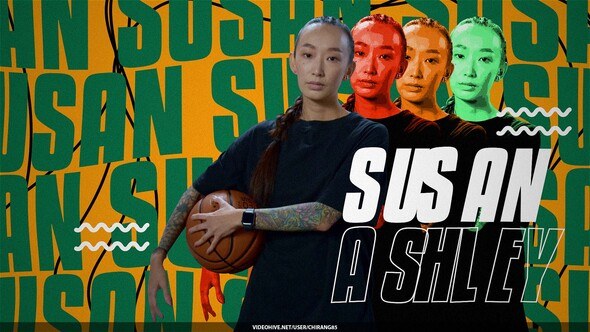
PhotoStorm Animator
Features
- Compatible with After Effects CC2019 and above
- Full HD resolution (1920×1080) pixels, adjustable for 4K resolution (3840×2160)
- Supports mobile (1080×1920) and square (1080×1080) pixels
- Step 1: Drag & Drop your Photo
- Step 2: Mask your Photo inside After Effects or Photoshop
- Step 3: Save Photo with Alpha Channel
- Step 4: Use PhotoStorm Effect
- Step 5: Customize PhotoStorm Effect
- Step 6: Render Composition
- Images are not included
- No Plugins Required
- Universalizer Controller Included (Compatible with any language of AE)
- Tutorial with voice over included
Controls
- Storm Position
- Storm Direction
- Storm Opacity
- Storm Mask Up-Down
- Storm Speed
- Storm Wave Height-Width
- Storm Wave Direction
- Background Image Opacity
- Background Light Color
- Background Light Position
- Background Color
- Licence Information: Regular Licence
- Licence Information: Extended Licence
Rate if you like it in your downloads section!
Thanks!!!
Similar projects
- Videohive Vintage Memories - After Effects Project
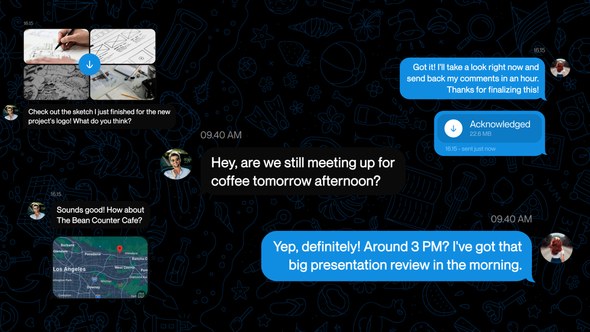
- Videohive Telegram Chat Message UI
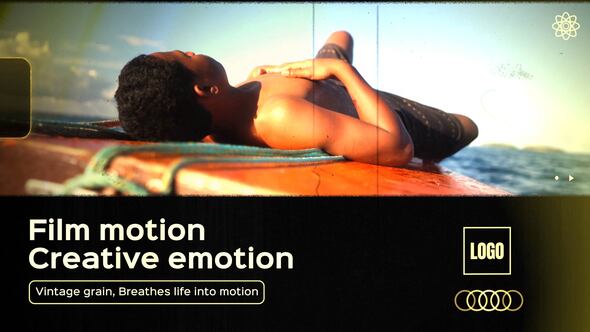
- Videohive Vintage Film Pulse
Tags: transition, youtube, digital, modern


.jpg?w=300&h=169&cf_fit=cover&q=94&format=jpeg&s=82a155ff2bc20bf13cedba12cf46a0527ee1fa25f1061e141c3a6723b94563f1)



















Comments
Sign in to join the conversation.
No comments yet. Be the first to share your thoughts.